Admissions & Enrolment
Student Applications with Oxonia Operate: Apply Online, Screen with AI, People Decide
Applicants apply online without an account and follow their application on a private link. The AI screens with its reasons; the Registrar's office decides.
Why admissions belongs in Operate
Admissions is one of the busiest jobs in any university. Applications arrive over weeks, documents go missing, the same questions are asked again and again, and every decision has to be fair and recorded. In Oxonia, admissions is a module of Oxonia Operate, the suite for administration: Admissions & Enrolment. The admissions office works there on the same records, approvals and audit trail as the rest of Operate.
The rule is the same as everywhere in Oxonia. The AI prepares the work and shows its reasons. People decide. Nothing becomes an offer, a waiting-list place or a regret until the Registrar's office approves it.
Step 1: Apply online, without an account
Each university has its own public application page, at /apply/ followed by the university's short name. Applicants find a programme, read its entry requirements and the documents it asks for, and apply in one online form. They do not need to create an account first.
When they send the form they land on a private status link. That link is how they follow the application from then on. They can see where it stands, upload a document that is missing, and accept an offer when one is made.
You can try it on our fictional demo university: apply to Oxonia Demo University. The demo is clearly labelled, its applications are not processed by a real institution, and no email is sent.
Step 2: Missing documents are chased for you
Incomplete applications are the slowest part of admissions. Oxonia runs a daily job that emails applicants about documents that are still missing, with the link to their private status page, so they can upload them straight away. It never reminds the same applicant more often than every three days.
Staff see each application on one page: the applicant's details, academic background, written answers, uploaded documents and a timeline of every step. Documents are stored privately, and only admissions staff can open them.
Step 3: Screen with AI, reasons shown
On a programme, the admissions office presses Screen with AI. The screener works through the programme's applications, up to 300 in one run, and scores each one from the record:
- Grades, documents and interviews are scored from what is recorded on the application.
- Written answers, such as the personal statement and references, use the AI's score only when the passage it quotes really appears in the answer. If it does not, a clearly labelled rule is used instead.
- Ineligible applications are marked as such: below a programme's minimum marks, or missing required documents.
The screener then proposes a shortlist equal to the number of places on the programme, in order of score, and reports the hours of reading it saved on that run. Every score comes with its reasons, so a reviewer can see why an application is where it is.
Step 4: People decide
The shortlist is a proposal, not a decision. It goes to the Registrar's office for review. Only when a person with the right role approves it are the offers, the waiting list and the regrets recorded.
While they review, staff can ask Oxonia AI about an application on its own page, for example what is missing or how it compares with the programme's requirements, and check the answer against the record in front of them.
Step 5: Decision letters, approved before they are sent
After the shortlist is adopted, the office chooses Draft decision letters. Oxonia drafts one letter per applicant from three templates, offer, waiting list and regret, with the applicant's name, reference and private status link. The letters are a second proposal. Nothing is emailed until it is approved; then every letter is sent at once. If the proposal is rejected, the drafts are deleted.
Step 6: From accepted offer to student
Applicants answer their offer on the same private status link. When an offer is accepted, the admissions office works through the enrolment steps and enrols the student. The new student then signs in with one Oxonia ID, ready for Teach and Learn.
Try it yourself
The quickest way to understand the journey is to take it. Apply to the demo university as a fictional applicant, keep your private status link, and then book a demo to see the same application from the admissions office's side: screening, the shortlist in Reviews, the letters and enrolment. Everything in the demo is fictional.
Read more about the module on the Oxonia Operate page.
Products in this article
Questions people ask
Does the AI decide who is admitted?
No. The AI scores applications and proposes a shortlist with its reasons. Offers, the waiting list and regrets are recorded only when the Registrar's office approves them, and letters are sent only after they are approved.
Do applicants need an account?
No. They apply on the university's public page and follow their application on a private status link, where they can upload missing documents and accept an offer.
Can I try it?
Yes. The fictional Oxonia Demo University takes demo applications at app.oxonia.ai/apply/oxonia-demo. They are not processed by a real institution.
Leaflets
More videos
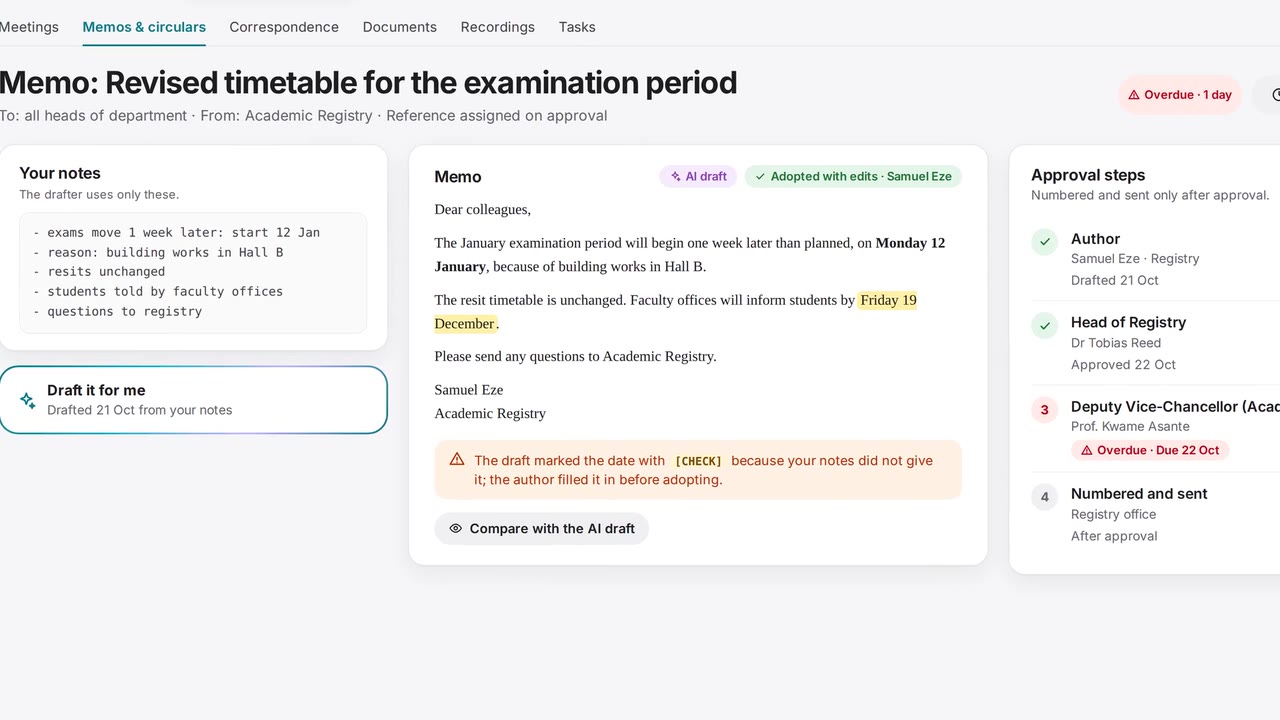 2:29The film · Chapter 5Oxonia Operate, for administration
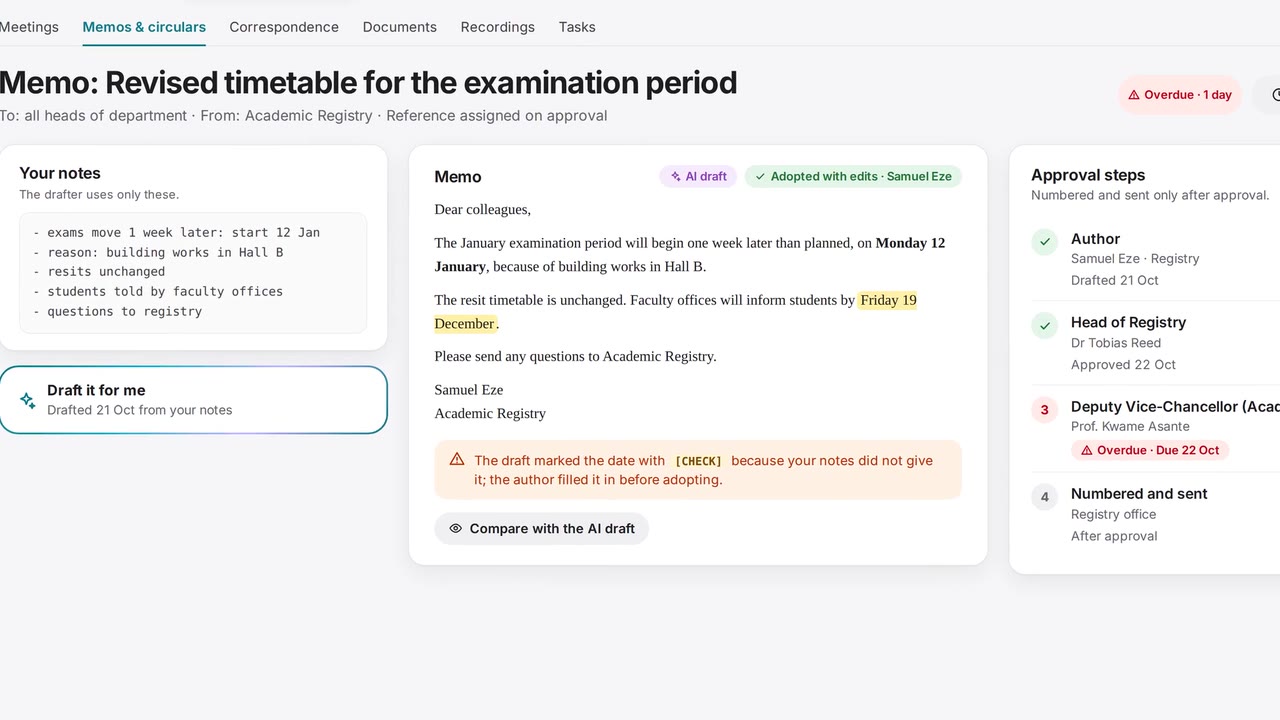 2:29From the filmOxonia Operate
 1:33From the filmOxonia.ai: one platform, four suites
Keep reading
Related articles
Oxonia Operate →
For the Registry, Admissions, Finance, Student Services and departmental administrators: meetings, approvals and memos automated, applications screened against your criteria, and answers for students and staff at any hour.