For finance and IT teams
AI Credits, Recording Hours and Add-ons, Explained
AI-enabled features cost money to run, so they need a meter. Oxonia's meter is simple: a monthly allowance, top-ups that never expire, and plenty of warning before anything runs out.
Why AI use needs a meter
Every Oxonia product is AI-enabled. Minutes drafted in Senate, summaries and captions in Scribe, tutorials in Tutor, marking evidence in Mark and cited answers in Library all use AI services, and those services charge for what they process. Recording and transcribing meetings and lectures takes processing time too.
Without a meter, a university either pays for unlimited use it may not need or finds out at the end of the month that something stopped. Oxonia counts two things, AI credits and recording hours, and makes both visible to the people who manage the plan.
This article explains how they work. It does not cover prices; for those, see the pricing page or ask our team.
What an AI credit is
An AI credit stands for a fixed amount of AI processing. Each product the university buys comes with a monthly allowance of credits, set in its plan in the Oxonia Academy ID.
For the products that run together, Senate, Office, Compass, Policy, Library and Advance, the credits add up to one shared monthly pool, so a quiet month in one product leaves more for another. Scribe and Tutor, Mark and Research, and Nexus each receive their allowance from the same plan.
The allowance is a hard stop, not a surprise bill. Every AI-enabled task checks the budget before it runs. If the month's credits are used up, the task waits and the person is told how to get more.
Because the allowance is set per product in the plan, the plan can be shaped around the products a university relies on most: one with heavy lecture capture needs more for Scribe, one that records every committee more for Senate. Talk to us if the balance needs to change.
| Allowance | Counts | Renews | To get more |
|---|---|---|---|
| AI credits | AI-enabled tasks in every product | 1st of each month | Buy a pack in Plan and usage, or ask Oxonia |
| Recording hours | Recorded and transcribed meetings and sessions | 1st of each month | Buy a pack in Plan and usage, or ask Oxonia |
| Seats | People given access to a product | With the plan | Request more from Oxonia |
| Top-up wallet | Credits and hours bought on top | Never expires | Used only after the month's allowance |
Recording hours
Recording hours count the meetings and sessions that are recorded and transcribed. In the governance products, Senate, Office and Library recordings count towards one monthly pool of hours. Scribe and Tutor receive their hours with their plan.
Hours are checked before a recording starts, never in the middle of one. A meeting is not cut off half way through because the allowance ran out.
If a plan sets no hours, recording is unlimited for those products.
Hours are the easiest allowance to plan for, because they follow the timetable. Multiply the lectures or meetings you expect to record each month by their length, and compare that with the plan. Plan and usage shows the hours used so far this month, so the estimate can be checked after the first few weeks.
The plan first, then top-ups
University admins can buy packs of extra AI credits and extra recording hours in Plan and usage, by card, or through Paystack for payments in naira. Each payment is credited exactly once, whichever confirmation arrives first.
Top-ups sit in a wallet kept apart from the plan. Each month, use comes from the plan's allowance first; only what goes beyond it is taken from the wallet. Purchased credits and hours never expire, and a change to the plan never wipes them. The wallet can never go negative, however many tasks finish at once.
For anything not sold in Plan and usage, such as more seats, a longer trial or credits for another app, admins choose Request more from Oxonia and our team grants it from the university's console. Every grant is audited.
Warnings before anything runs out
University admins are emailed when AI credits, recording hours or seats reach 80%, 95% and 100% of the allowance, once per threshold each month. They are also warned seven days before a trial, a subscription end date or an add-on that does not renew by itself comes to an end.
The same warnings appear in Plan and usage and on the app launcher, so nobody has to rely on an email being read.
Staff and students who run out are not left stuck. They see a button to tell their university admin in one click, and admins are emailed at most once a day per person and allowance, so a busy week does not flood their inbox.
Everyone who runs out sees the same simple message: university admins are sent to Plan and usage to buy more or ask Oxonia, and everyone else is asked to tell their admin. Nobody is left with an unexplained error.
The Plan and usage page
Plan and usage gives university admins one view of the whole subscription: every product's status, its trial or end date, seats used out of the total, and AI credits and recording hours used out of the total, with any warnings that apply.
Products that share a pool show it once. Products in other apps report their own use when they answer; if one does not, the page shows the allowance set and says that use is not available, rather than inventing a figure. Allowances reset on the first day of each month, and the page shows the date.
Finance and IT can plan the next term from this page instead of waiting for an invoice.
Your own AI keys, and what never changes
Some universities already pay for an AI service and want Oxonia to use it. Oxonia can be set up to use the university's own AI keys instead of shared credits. Keys are stored encrypted and never shown in full again. See bring your own AI keys.
Whichever way AI is paid for, the rules stay the same. AI output is a draft until a person adopts it, answers cite their sources, and we don't use your content to train AI models; our AI providers work under business terms that don't allow training on it. Running low on credits never changes how official records are treated.
For choosing a package, read the pricing guide; for setting up, read getting started with Oxonia.
Products in this article
Questions people ask
Do unused top-up credits expire?
No. Credits and hours bought on top of the plan never expire, and plan changes never wipe them.
Do students pay for AI credits?
No. Use counts against the university's allowance. Students can tell their admin in one click when something runs out.
Will a recording stop half way if hours run out?
No. Hours are checked before a recording starts.
Who is warned when an allowance is running low?
University admins, by email at 80%, 95% and 100%, and in Plan and usage and the app launcher.
Leaflets


More videos
 0:54Conference film · Chapter 9Time, money and income
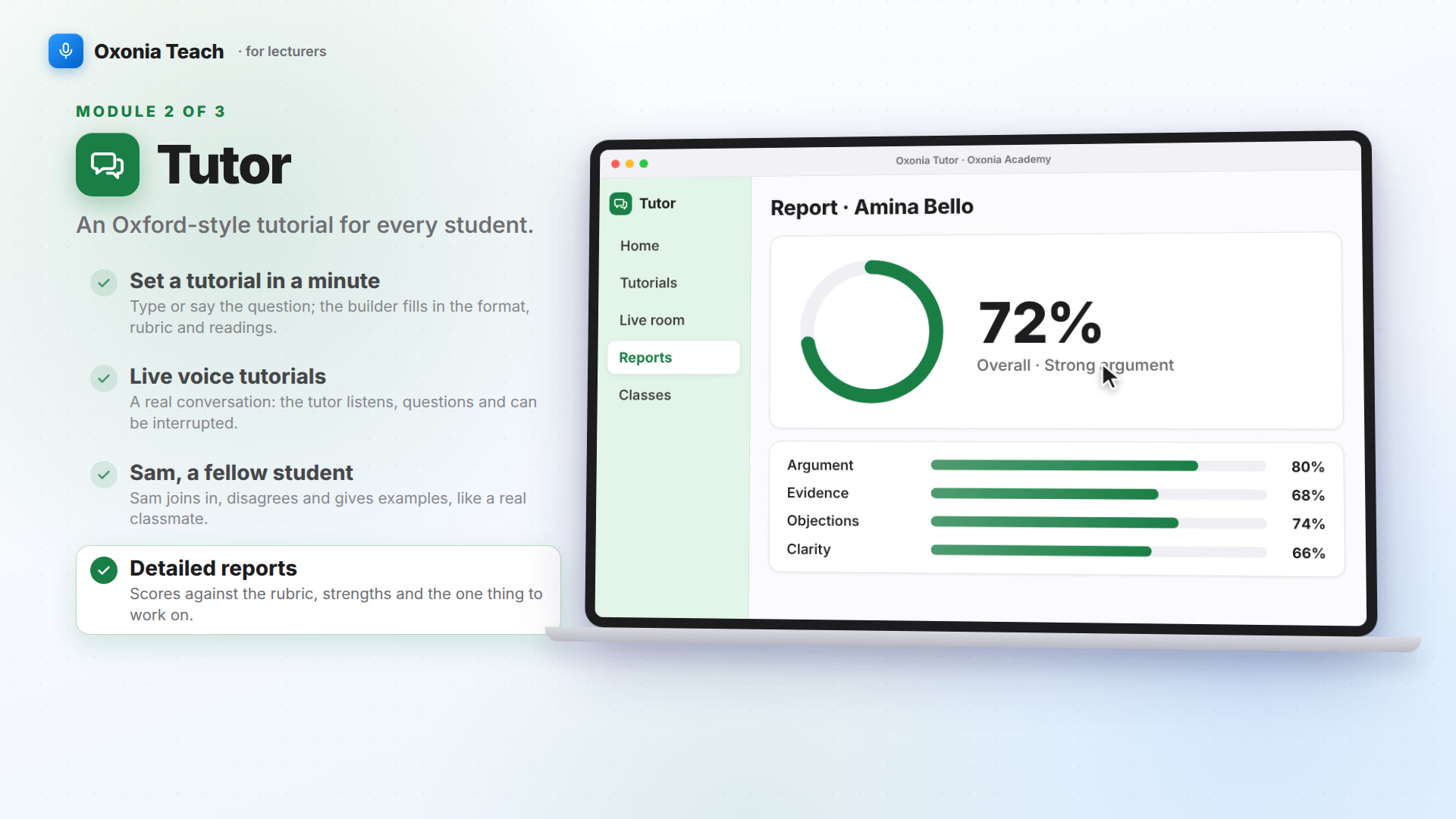 1:39Suite filmOxonia Teach in 100 seconds
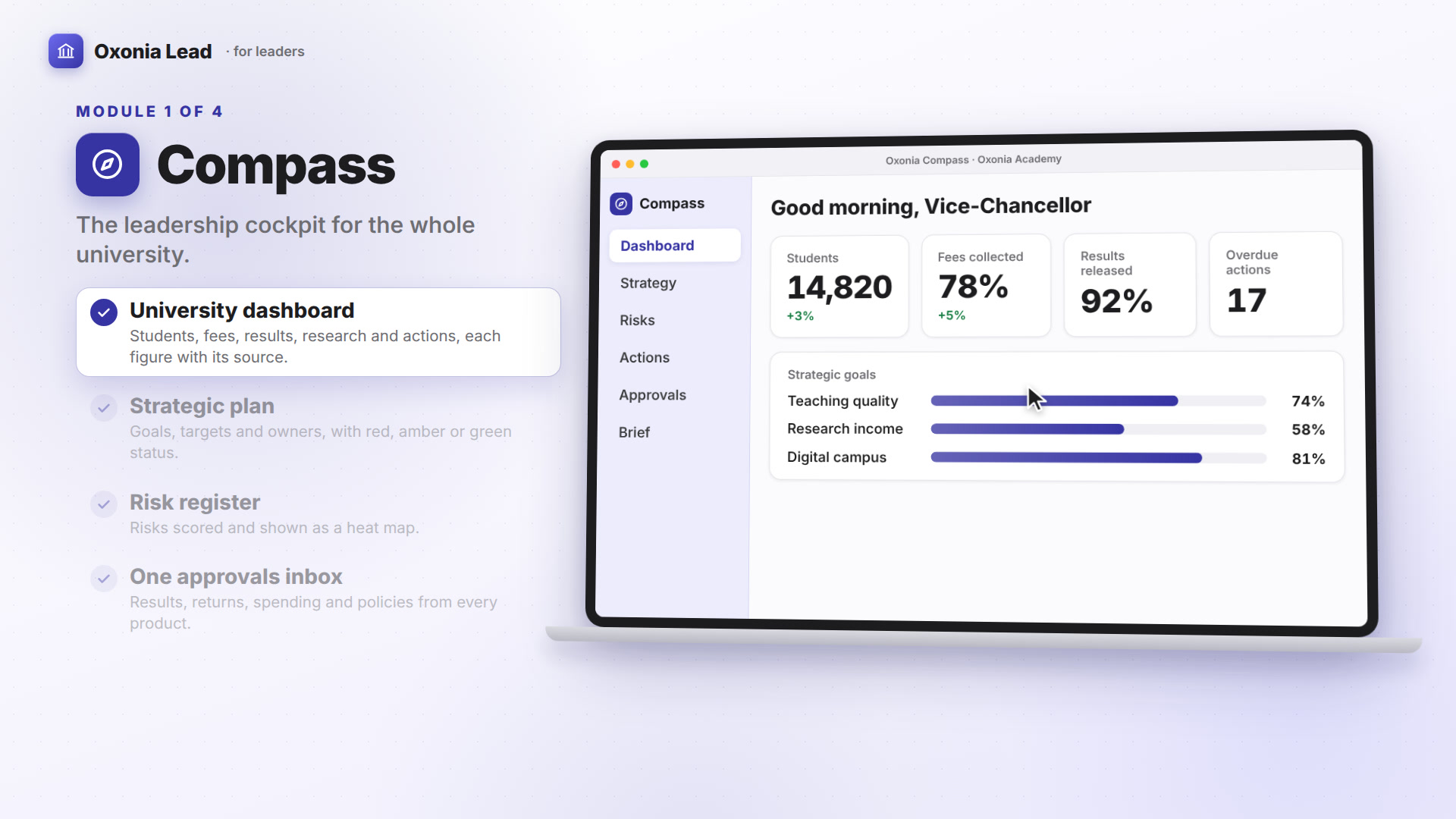 1:40Suite filmOxonia Lead in 100 seconds
Keep reading