Platform guide
One Login for Every University System: Why It Matters
Every extra password is a support ticket, a security risk and a reason for students to give up. One login fixes more than convenience.
The cost of many logins
A typical university runs many separate systems. One for lectures, one for coursework, one for exams, one for fees, one for the library, one for HR, one for committee papers. Each has its own login, its own password rules and its own list of users.
Students feel this first. In the first week of term, they are asked to set up account after account. Some give up on a tool before they have used it. Others reuse the same weak password everywhere. When they forget one, they queue at the help desk.
Staff feel it too. A lecturer may need five logins to teach one module. A dean needs another three to approve requests and read papers. IT teams spend their time resetting passwords and adding people to each system by hand, then forgetting to remove them when they leave.
The hidden cost is in the data. Each system holds its own copy of who people are. Those copies drift apart. A student who changes programme is updated in one system and not another. Reports built from different systems do not agree.
What one login means on Oxonia
Oxonia Academy is one platform for the whole university, with one login: the Oxonia Academy ID. Students, staff, guardians and sponsors each have one ID. It opens every Oxonia product the university has bought.
After signing in, each person sees an app launcher. It shows the products their role allows: lectures and tutorials for a student, marking and class insights for a lecturer, the leadership dashboard and approvals for a dean. They move between products without signing in again.
- One Oxonia Academy ID per person
- One app launcher showing the right products for each role
- No second sign-in when moving between products
- A launcher in English, French, Portuguese, Arabic, Hausa, Yoruba, Igbo and more
The same ID works on phones, tablets and computers, so a student can check results on a phone and write a tutorial answer on a laptop without any difference in access.
Roles and access that follow what you buy
The platform uses five main roles: leader, admin, lecturer, student and researcher. Each role sees different things. A student sees their own results and fees. A lecturer sees their modules. A leader sees the dashboard and approvals for their area.
Access also follows what the university buys. If the university buys Oxonia Teach and Oxonia Learn, staff and students see those products. When it adds Oxonia Lead later, leaders see Compass, Senate, Policy and Nexus in their launcher the next time they sign in. Nobody needs a new account.
This makes growth simple. A department can start on its own, and the same IDs carry over when the rest of the university joins.
Guardians and sponsors have their own access too, limited to the student accounts they are linked to, such as fees and receipts.
| Role | Typical products in the launcher |
|---|---|
| Student | Scribe study tools, Tutor, AI Hub, results, Wallet, Library |
| Lecturer | Scribe, Tutor, Mark, Library |
| Researcher | Research, Library |
| Leader | Compass, Senate, Policy, Nexus, approvals |
| Admin | University admin console, Office, Advance |
One admin console for the whole university
IT and administrative staff manage everything from one university admin console. They add users, assign roles, connect the LMS, set workflows and manage settings for every product in one place.
When someone joins, one record gives them the right access across the platform. When they leave, one change removes it everywhere. That closes a common security gap, where former staff keep access to a system nobody remembered to update.
The console also sets how AI is paid for. Universities can use a shared AI credit wallet across all products, or connect their own AI keys. Either way, the setting applies across the platform, and the AI-use register in Policy can record it.
Shared records make products work together
One login is the visible part. Underneath, the products share one set of records about people, departments and roles. That is what lets them work together.
A lecture in Scribe links to a tutorial in Tutor. Exam results from Mark flow to the Senate results pack. Fee collection from Advance appears on the Compass dashboard. An approval request in Office lands in the right leader's inbox, following the delegations set for that person.
None of this needs copying or exports between systems, because there is only one record to begin with.
Platform rules that apply everywhere
Because there is one platform, the same rules apply in every product. People approve anything that becomes an official record. Ai enabled output is a draft until a person adopts it. Every AI answer cites its sources.
These rules matter for trust. A student reading a lecture summary, a dean reading the weekly brief and a secretary reading draft minutes can all check where each point came from. Nothing becomes official without a named person deciding it should.
It also means staff learn one way of working. Once they know how drafts, approvals and citations work in one product, they know how they work in all of them.
Getting started
Most universities start with one suite and add others over time. The Oxonia Academy ID and the admin console come with every purchase, so the first suite sets up the platform for the rest. A single department can start on a Department plan.
Universities that want everything at once can choose Oxonia Complete, which includes every product at 30% off. See how to choose a package or go to pricing.
Plan the first set-up carefully. Agree who owns the admin console, how roles map to your staff structure and how students and staff will receive their Oxonia Academy ID. A little planning at the start makes every later suite quicker to switch on.
Products in this article
Questions people ask
What is the Oxonia Academy ID?
It is the single login for every Oxonia product. Each student, member of staff, guardian, sponsor and alumnus has one.
What roles does Oxonia use?
The main roles are leader, admin, lecturer, student and researcher. Each role sees the products and data it needs.
What happens when we add another suite?
People with the right role see the new products in their app launcher the next time they sign in. No new accounts are needed.
Can we use our own AI keys?
Yes. Universities can use the shared AI credit wallet or connect their own AI keys from the admin console.
Leaflets


More videos
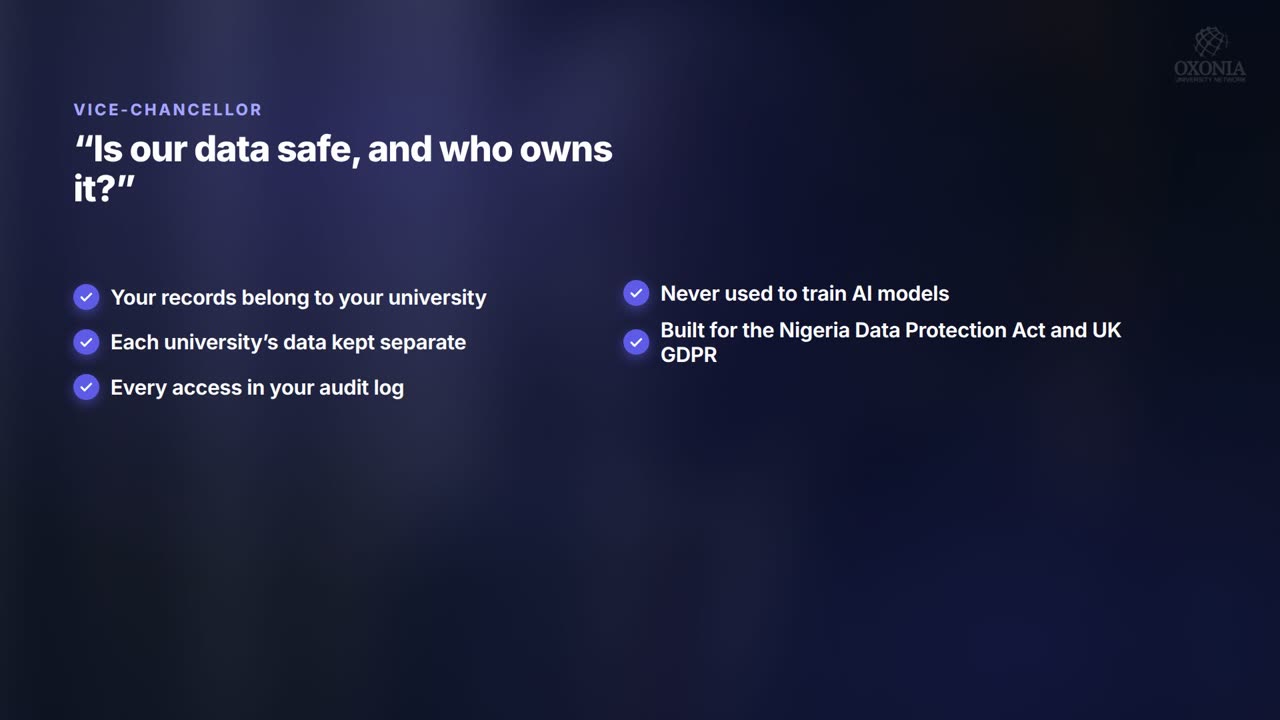 1:34Conference film · Chapter 10Your questions answered
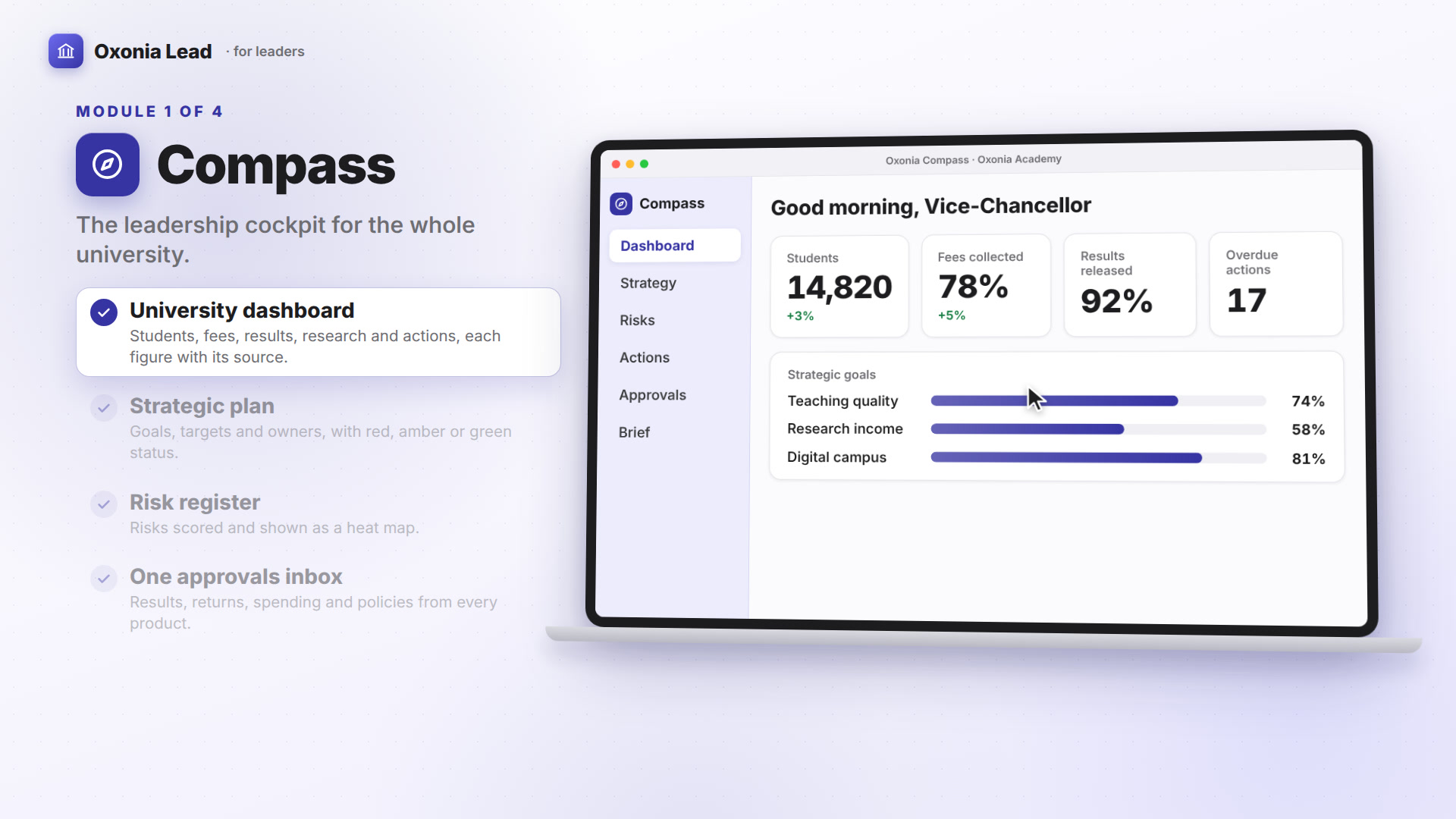 1:40Suite filmOxonia Lead in 100 seconds
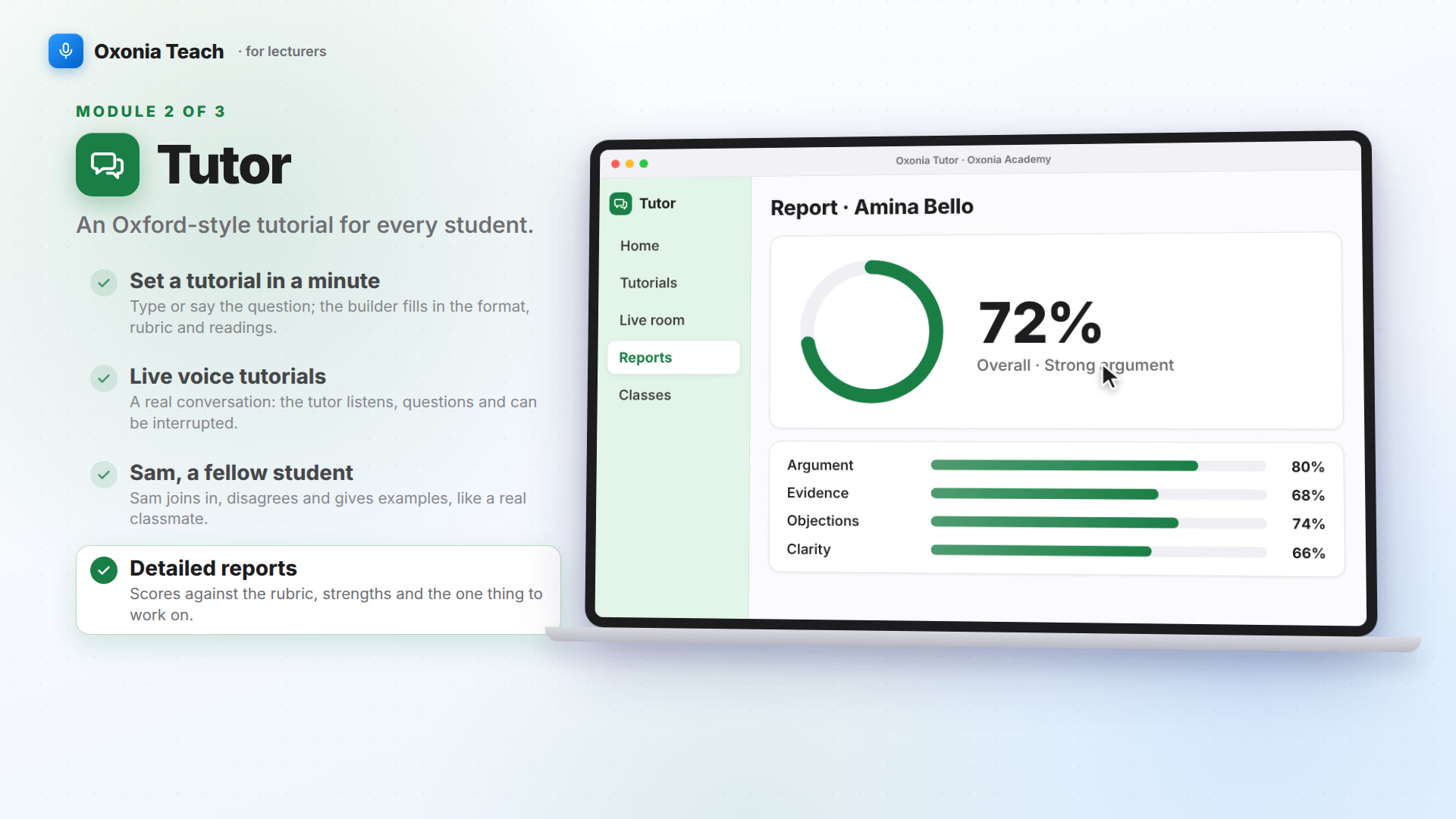 1:39Suite filmOxonia Teach in 100 seconds
Keep reading