Scribe for lecturers
Live Captions and Translation in Lectures with Scribe
The lecture is in English. Many of the students in the room think in Hausa, Malay, Turkish or Arabic. Scribe lets each of them follow along in the language they think in.
One lecture, many first languages
In a lecture theatre in Kano, Kuala Lumpur, Ankara or Manchester, the language of teaching is often not the language most students think in. Students who are perfectly able follow a fast lecture at three-quarters of its meaning. They copy slides rather than listen, and they lose the thread at the very moment the lecturer explains the hard idea.
Captions help everyone: students with a hearing impairment, students in a noisy room, and students who simply read faster than they listen. Captions in a student's own language help even more.
Oxonia Scribe is the lecture product in Oxonia Teach. Its live room puts captions, translation, polls and questions on each student's own phone, while the lecturer simply teaches.
Starting a live room
The lecturer starts a live room from Scribe on a laptop or phone at the front of the room. Scribe shows a short code and a QR code on the screen. Students scan it and join from their phones. There is nothing to install and no account needed to follow the captions.
As the lecturer speaks, the transcript appears line by line on every student's screen. Students who arrive late simply scan the code and join.
Scribe needs an internet connection while the room is live. It does not work offline, so in rooms with weak coverage it is worth checking the Wi-Fi before the first session.
Because students join in the browser, the room works on the phones students already own, whatever make or model. A lecturer can run the same room for a hybrid class, with students in the theatre and students joining from home using the same code.
Captions in each student's own language
Each student chooses the language they want to read. The captions are translated as the lecture runs, so a student can follow in Hausa while the student beside them reads in French and another in English.
Scribe offers nearly thirty languages, including Hausa, Yoruba and Igbo; Malay, Indonesian and Chinese (Simplified); Turkish; Arabic and Urdu, shown right to left; French, Portuguese, Spanish and German; and Swahili and Amharic. Scribe applies the spelling rules of Yoruba, Igbo and Hausa, so tone marks and special letters come out properly.
Translation is shared sensibly. Each line is translated once per language for everyone reading in that language, and the cost is counted against the university, never against the student.
Polls and questions in the same room
The lecturer can open a poll at any point and close it when the answers are in. Students vote on the same phones they use for captions, so checking understanding half way through takes seconds.
Students can also ask the lecture itself. A student who missed a definition types a question, and Scribe answers from what was actually said in the lecture, citing the moment it was said, such as Lecture at 10:42. If the lecture did not cover it, the answer says so instead of inventing one.
Quiet students get a way to ask without raising a hand in front of two hundred people, and the lecturer gets a clear signal of which ideas did not land.
For lecturers who teach the same course every year, the questions are especially useful. They show, lecture by lecture, where students get stuck, in the students' own words.
After the lecture: study material in their language
When the lecture ends, students can open study material written in their chosen language: a summary with key moments, a quiz, flashcards and practice exam questions, and a mind map of the topic. Each is written once per language and shared by everyone reading in it.
Students can also download the lecture as a Word document in their language, with the details, the summary and the full transcript as a bilingual table, original and translation side by side. For revision in a second language, that table is often the most useful thing of all.
The lecturer stays in charge. They choose which tabs students can see, such as the transcript, the summary, the quiz or the flashcards, and can show or hide each one at any time.
What the lecturer learns
Scribe shows the lecturer how the class is getting on with each session: who opened it, quiz results question by question, the flashcards students found hardest, the moments they bookmarked and the questions they asked.
That turns a lecture into feedback. If most of the class missed question three, the next lecture can start there. If the same question was asked twenty times, the slide that caused it can be fixed for next year.
Lecturers who want to go further can set an Oxford-style follow-up in Oxonia Tutor, where each student talks through the topic, by voice or in writing.
| Region | Languages in Scribe |
|---|---|
| Nigeria and West Africa | English, Hausa, Yoruba, Igbo, French |
| East Africa | Swahili, Amharic, English |
| Malaysia and South-East Asia | Malay, Indonesian, Chinese (Simplified), Thai, Vietnamese |
| Turkey | Turkish |
| Gulf, Middle East and North Africa | Arabic, French, Urdu |
| UK and Europe | English, French, German, Spanish, Italian, Dutch, Polish, Portuguese, Greek |
Practicalities: learning platforms, consent and next steps
Scribe works with Moodle, Canvas and Blackboard through LTI 1.3, so the lecture appears where students already look. See connecting your learning platform.
When a session is recorded, Scribe keeps evidence that recording consent was confirmed: who confirmed it, when, for which session and the words agreed to. Universities set their own rules on recording, and Scribe records that those rules were followed.
The simplest start is one large first-year module taught in English to a multilingual cohort. Switch on live captions for a term, and ask students which language they chose. Read more in teaching in students' own languages and lecture recording with live captions.
Talk to students before the first session. Explain that captions are there to help, that they can choose their language, and that the lecturer decides what study material is shared. Students who understand why a tool is there use it well.
Products in this article
Questions people ask
Do students need to install an app?
No. They scan the code on the screen and follow the captions in the browser on their phone.
Which languages can students choose?
Nearly thirty, including Hausa, Yoruba, Igbo, Malay, Turkish, Arabic, French and Swahili.
Does Scribe work without internet?
No. The live room needs a connection. Scribe has no offline mode.
Can the lecturer control what students see?
Yes. The lecturer shows or hides each tab, such as the transcript, summary, quiz or flashcards.
Leaflets


More videos
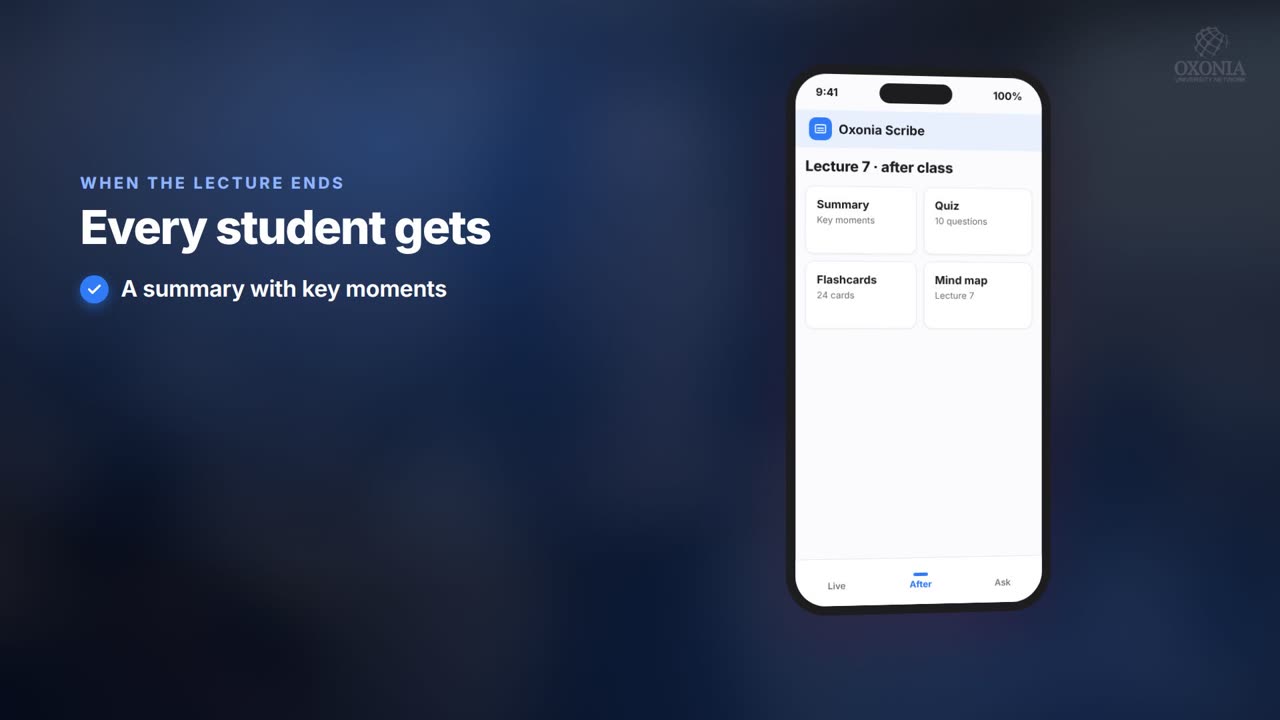 1:19Conference film · Chapter 6Teach: Scribe and Tutor
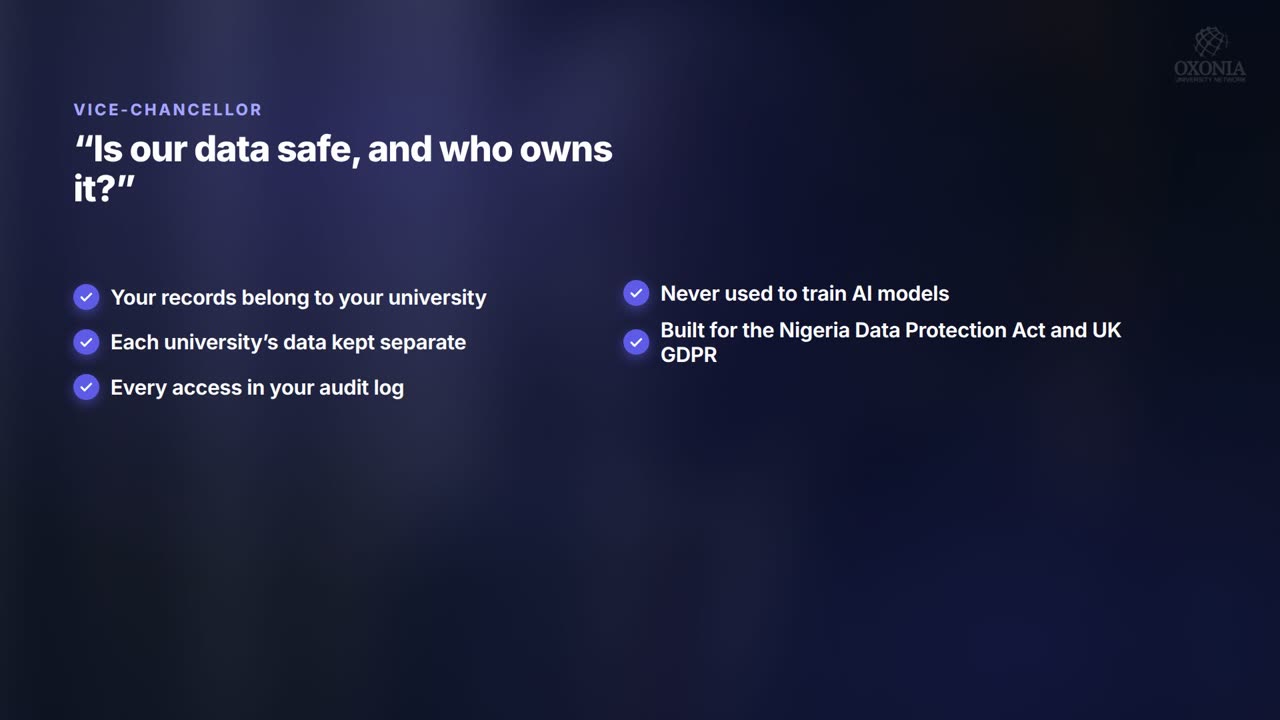 1:34Conference film · Chapter 10Your questions answered
 0:54Conference film · Chapter 9Time, money and income
Keep reading
Related articles
Oxonia Teach →
For professors, lecturers, tutors and course leaders: the syllabus drafted week by week, every lecture captured live in its own language, assessment that explains every mark under the university's AI-use policy, and progress monitoring that shows who needs support.