Tutor for small-group teaching
Oxford-Style Tutorials for Every Student with Tutor
The tutorial is the best way to learn to think on your feet. Tutor makes it possible for large classes, not just a lucky few.
The tutorial problem in large universities
In a traditional tutorial, a student explains an argument to a tutor and defends it under questioning. It builds reasoning, speaking and confidence. It also takes time. A lecturer with three hundred students cannot meet each of them every week.
So most students get lectures, a few seminars and an exam. They rarely practise saying what they think and hearing it challenged. Many first meet that pressure in a final viva or a job interview.
Tutor gives every student a regular tutorial on the topic they are studying. It does not replace the lecturer. It gives students the practice that the timetable cannot fit, and it gives lecturers a clear view of how their class is thinking.
How a Tutor session works
A student opens Tutor and picks a topic set by the lecturer, often linked to a recent lecture in Scribe. They can work in writing or speak with a live voice tutor. The tutor asks an opening question, listens, then pushes back. It asks for evidence, tests definitions and offers counter-examples.
The tutor is Ai enabled and works from the course materials the lecturer has approved. When it refers to a source, it cites it. Students can see where an idea came from and go back to read it.
- Written tutorial for careful, step-by-step reasoning
- Live voice tutorial for speaking practice
- Viva to rehearse defending a piece of work
- Debate to argue one side against another
- Moot for law students to argue a case
| Format | What the student practises | Typical use |
|---|---|---|
| Written tutorial | Building an argument step by step | Weekly topic work |
| Live voice tutorial | Explaining ideas aloud | Speaking confidence |
| Viva | Defending their own work | Dissertation and project rehearsal |
| Debate | Arguing a position against another | Seminar preparation |
| Moot | Arguing a legal case | Law schools |
Meet Sam, the fellow student
Real tutorials often have two students. One makes a point. The other disagrees, or adds something, or gets it wrong in a useful way. Tutor recreates this with Sam, an Ai enabled fellow student who joins the conversation.
Sam sometimes cuts in, just as a real classmate would. Sam may offer a weaker argument that the student has to correct, or a sharper one they have to answer. This keeps the session lively and teaches students to respond to peers, not just to authority.
Lecturers decide whether Sam takes part in a given task. For a formal viva rehearsal, they may leave Sam out. For a debate, Sam can take the other side.
Reports for students and lecturers
After each session the student gets a detailed report. It shows what they argued well, where their reasoning had gaps and which readings would help. It quotes their own words, so the feedback is specific rather than general.
The lecturer sees a class overview. It groups common misunderstandings, shows which topics students found hardest and flags students who have not yet taken part. A lecturer can open any individual report to look closer.
The overview helps plan the next lecture or seminar. If half the class confuses two concepts, the lecturer knows before marking the exam. Later, results in Mark show whether that teaching worked.
Where Tutor fits in a course
Most lecturers use Tutor in one of three ways. Some set a weekly tutorial after each lecture. Some use it for exam preparation, with vivas and practice questions. Others use it for assessed oral work, where a named member of staff reviews the reports.
Students reach Tutor with their Oxonia Academy ID, from the same app launcher as Scribe and their results. It also appears inside Moodle, Canvas or Blackboard through LMS sync and LTI. Our guide to connecting your LMS explains the set-up.
Universities must also decide how students may use AI in assessed work. Tutor sits alongside the AI-use declarations in AI Hub, so the rules are clear before a student starts.
Setting good tutorial tasks
A Tutor session is only as good as the task behind it. The best tasks ask students to take a position and defend it. Compare two theories. Explain why a method fails. Argue for one reading of a case. Tasks that only ask for a definition give the tutor little to push against.
Lecturers set the topic, the readings the tutor should draw on and the format. They can add points the tutor must cover and common mistakes it should test for. They can choose whether Sam joins and how long the session runs.
Start with one task per week linked to the lecture. Read the class overview after the first fortnight and adjust. If students finish too easily, raise the challenge. If many stall on the same point, cover it in the next lecture and set a follow-up session. Over a term this builds a set of tasks the department can reuse and improve each year.
Fairness and access.
Tutor gives every student the same access to practice, whatever their timetable, confidence or background. A student who would never speak in a crowded seminar can rehearse alone first. A student working nights can take a tutorial at a time that suits them.
Students who think more easily in another language can prepare in that language and then practise in the language of assessment. Our article on teaching in students' own languages explains the options.
Prices and packages
Tutor costs £30,000 a year for up to 5,000 students, £48,000 for 5,000 to 15,000 and £72,000 for 15,000 to 40,000. Over 40,000 students is by quote. A single department can start on the Department plan at £6,000 a year.
Tutor is part of Oxonia Teach and Oxonia Learn. Buying the full package saves 20% on the suite. Start with one department if you prefer, then see pricing to plan a wider roll-out.
Products in this article
Questions people ask
What is an Oxford-style tutorial?
It is a small session where a student explains and defends their thinking while a tutor questions them. Tutor offers this in writing or by live voice.
Who is Sam in Tutor?
Sam is an Ai enabled fellow student who joins tutorials, offers other views and sometimes cuts in, like a real classmate.
Do lecturers see students' tutorial reports?
Yes. Lecturers get a class overview of common misunderstandings and can open any student's detailed report.
How much does Tutor cost?
Tutor costs £30,000 a year for up to 5,000 students, £48,000 for 5,000 to 15,000 and £72,000 for 15,000 to 40,000. The Department plan is £6,000.
Leaflets


More videos
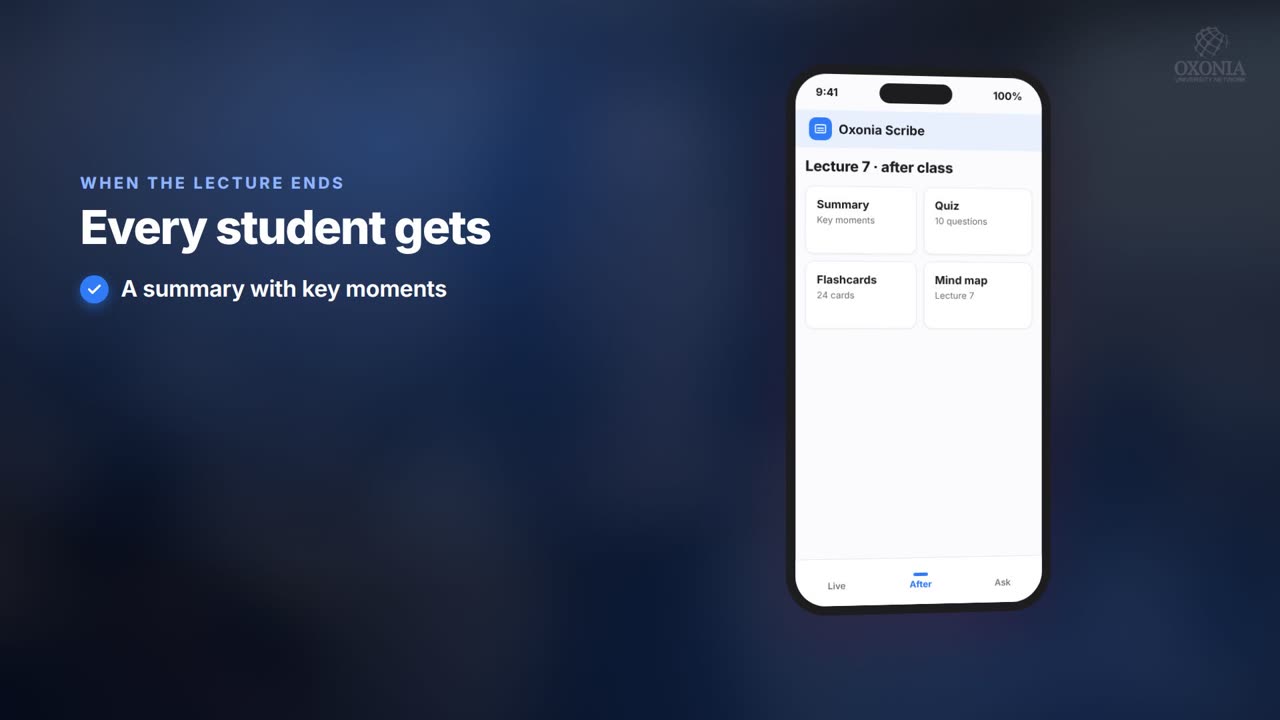 1:19Conference film · Chapter 6Teach: Scribe and Tutor
 1:34Conference film · Chapter 10Your questions answered
 0:54Conference film · Chapter 9Time, money and income
Keep reading
Related articles
Oxonia Teach →
For professors, lecturers, tutors and course leaders: the syllabus drafted week by week, every lecture captured live in its own language, assessment that explains every mark under the university's AI-use policy, and progress monitoring that shows who needs support.