Teaching guide
Teach in Students' Own Languages: Arabic, French and More
A student who thinks in Arabic or French can be lost in a fast English lecture. Live captions in their own language change that.
The second-language gap
In many universities, a large share of students learn in a language that is not their first. Some speak Arabic or French at home and study in English. Others speak Hausa, Yoruba or Swahili at home and study in English or French. International students add more languages to every lecture theatre.
These students are often as able as anyone else. But a fast lecture in a second language costs them more effort. They miss a key term, lose the thread and spend the evening working out what they missed. Over a term, the gap builds.
Lecturers see the effect in exams and seminars, where students who understood the ideas struggle to show it. Some students stay quiet rather than risk a mistake in front of others.
The answer is not to change the language of teaching. It is to give students support to follow and take part, while the course stays in the language the university has chosen.
Live captions in each student's language
Scribe shows live captions during the lecture. Each student can follow them on their own phone or laptop and switch them into their own language. A student who thinks in Arabic can read the lecture in Arabic as it happens. A student more at ease in French can read in French.
Students can switch back and forth. Many read the original language and switch to their own only when they lose a term or a complex sentence. That keeps them learning the language of the course while making sure they do not fall behind on the content.
The lecturer does nothing different. They teach as normal in the language of the course. Each student chooses the support they need, privately, on their own device.
Captions also help students who are deaf or hard of hearing, students in a noisy room and anyone who learns better by reading than by listening. Support designed for one group often helps many others.
After the lecture
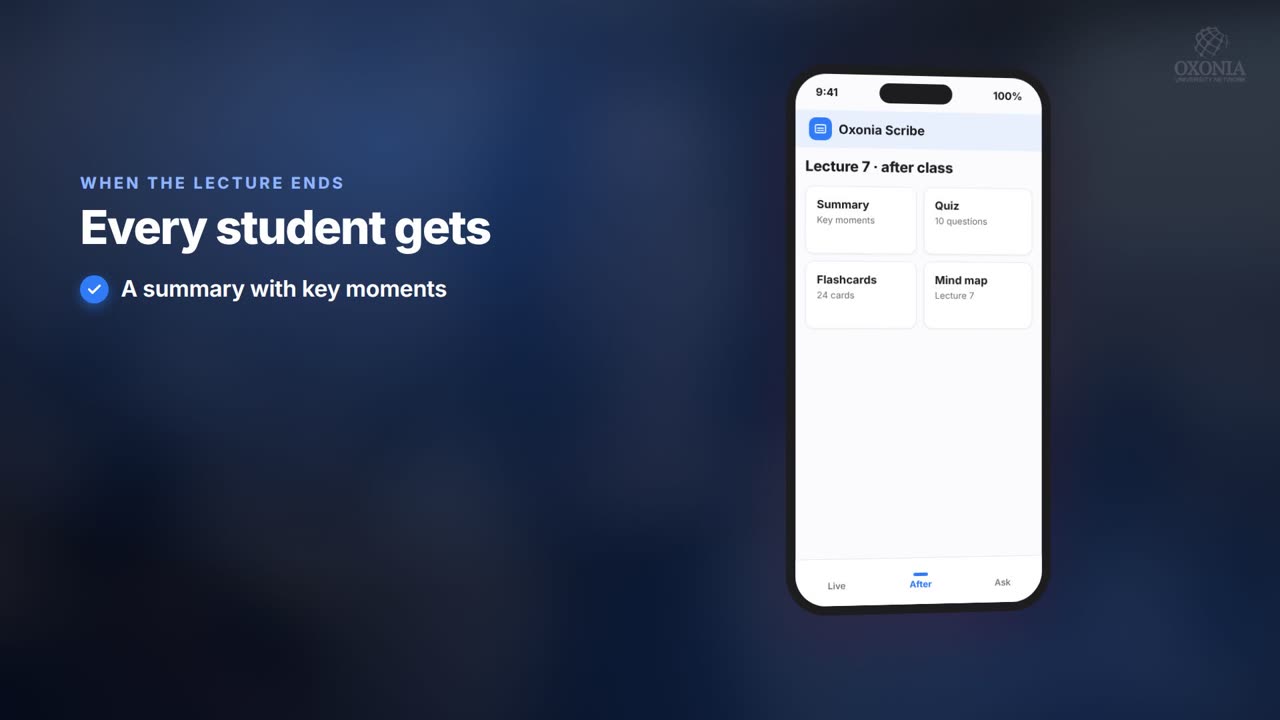
Scribe prepares summaries, key moments, mind maps, quizzes and study packs from each lecture. Students who need more time can work through these at their own pace, check the exact moment a point was made and replay it.
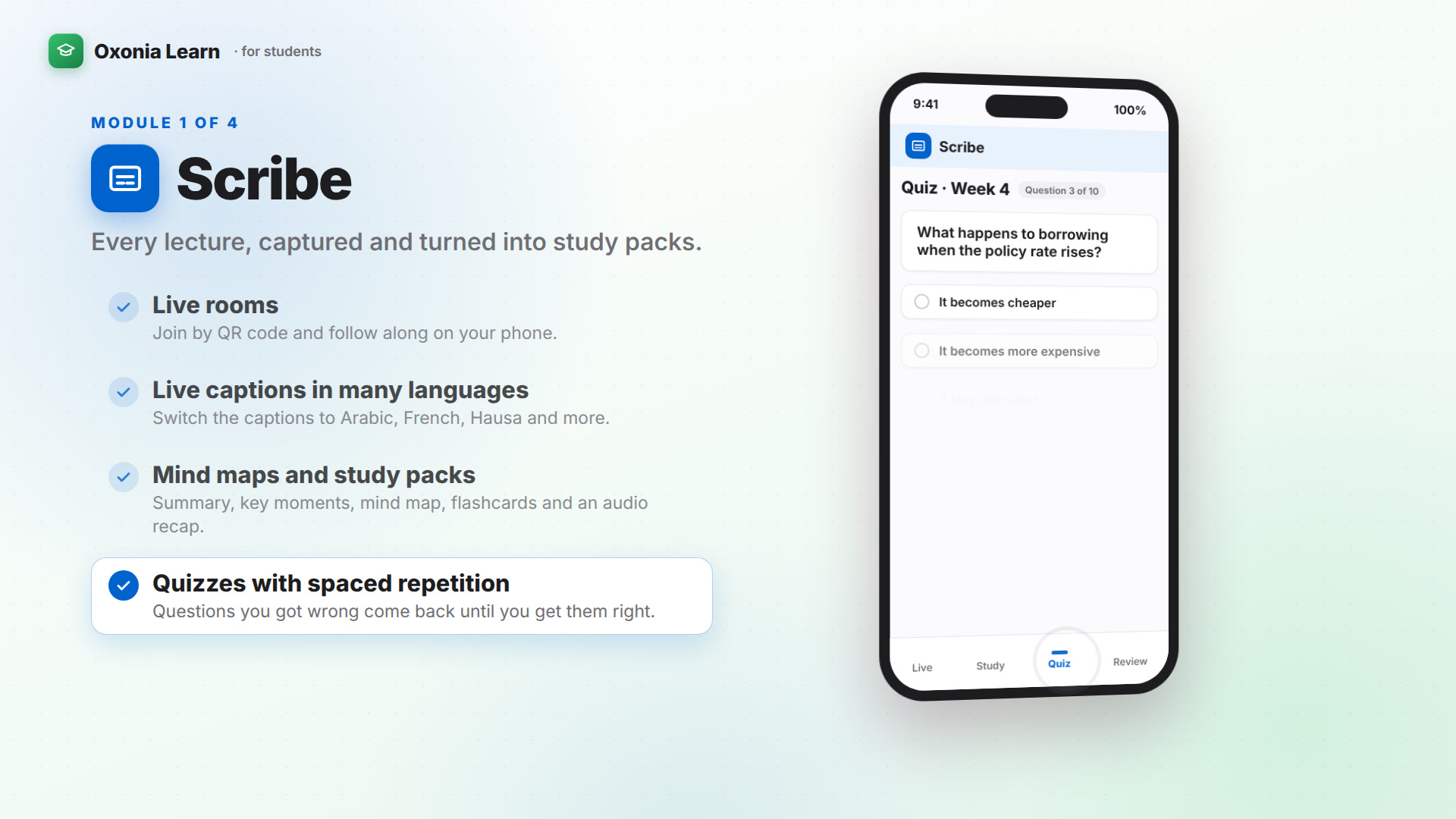
Quizzes with spaced repetition help fix key terms in memory. Audio recaps let students hear the lecture's main points again. Every summary cites the lecture moments it came from, so students can check the original.
- Summaries with links to the exact lecture moment
- Quizzes that bring back key terms over time
- Study packs for revision
- Audio recaps to hear the main points again
Lecturers can review and adjust each summary and quiz before release, so the key terms are explained the way the course intends.
Practising to speak and argue
Following a lecture is one skill. Explaining your own ideas is another. Students in a second language often need more practice speaking, but get less, because they hold back in seminars.
Tutor gives every student private tutorials in writing or by live voice. They can rehearse an argument, practise a viva or join a debate, with Sam, an Ai enabled fellow student, joining in. They can repeat a session as often as they like, without anyone watching.
After each session, the student gets a detailed report. The lecturer sees a class overview, which helps spot topics where language, rather than understanding, is the barrier.
A platform in your language
Most Oxonia products can be used in English, French, Portuguese and Arabic, including right-to-left layout for Arabic. Many, including Senate, Office, Compass, Wallet, AI Hub, Scribe and Tutor, also offer Hausa, Yoruba, Igbo and more. Oxonia Nexus is in English for now. Students, staff and leaders can each use the platform in the language they prefer.
That matters well beyond lectures. A guardian can check fees in Wallet in French. A student can ask AI Hub about the AI policy in Arabic and get an answer that cites the clause. A Council member can read board papers in the language they work in.
Library can also hold theses and journals written in several languages in one searchable collection.
Staff benefit too. A lecturer whose first language is French can work in the French interface while teaching in English. Administrators can work in the language they find clearest, which reduces errors in records and approvals.
| Where | What students get |
|---|---|
| Lectures | Live captions switchable to their own language |
| After lectures | Summaries, quizzes, study packs, audio recaps |
| Tutorials | Private written or voice practice with reports |
| Platform | Interface in English, French, Portuguese or Arabic in most products, and Hausa, Yoruba, Igbo and more in many |
| AI Hub | Policy answers with clause citations |
Fairness and assessment
Support for learning is different from support in assessment. Universities should decide clearly what language support is allowed in exams and assessed work, and tell students in advance.
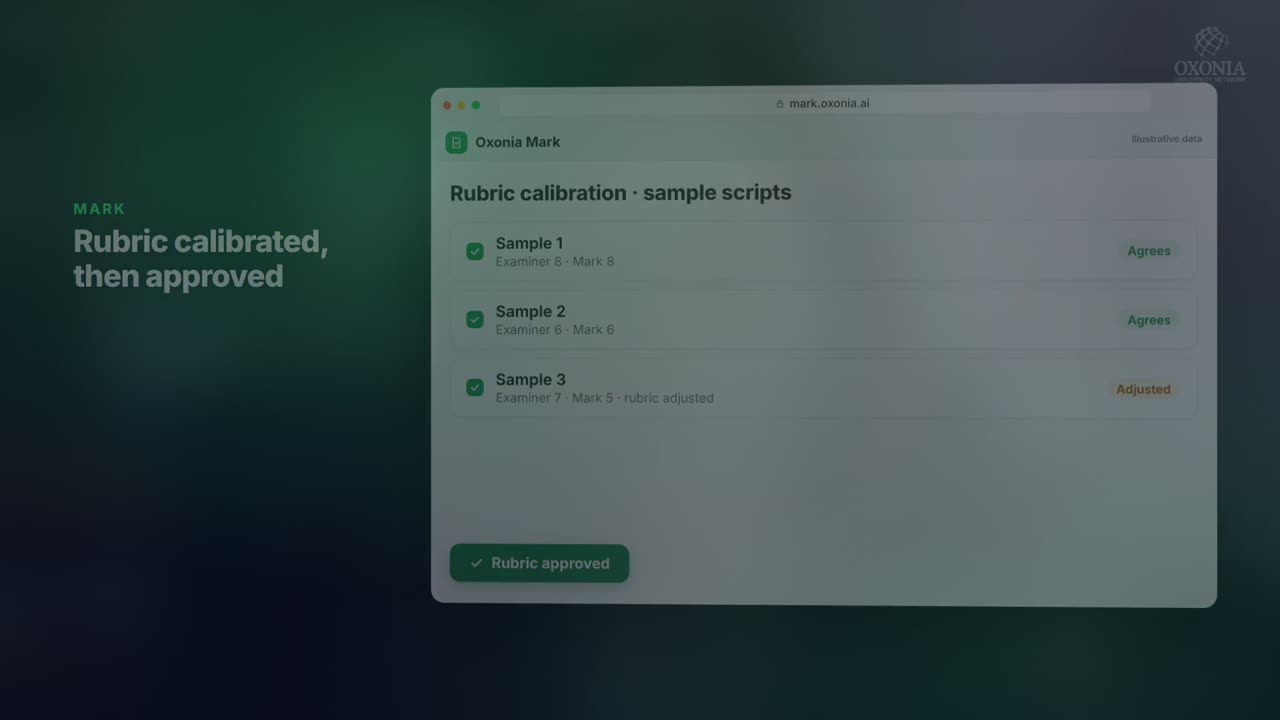
AI-use declarations in AI Hub help here. If a lecturer allows translation tools for planning but not for the final answer, students know before they start and declare what they used. Marking in Mark applies the same rubric to every script, and a named examiner approves every result.
The aim is that a student's grade reflects what they know and can do, not how quickly they process a second language in a lecture.
Getting started
Start with one large module where many students study in a second language. Run Scribe for a term with captions switched on, and ask students which features helped. Check the languages your students need before you start.
Scribe costs £4,900 a year on the Department plan, and £24,000 a year for a university with up to 5,000 students. It is part of Oxonia Teach and Oxonia Learn. See pricing.
Talk to student representatives before the launch. They can tell you which languages are common in each programme and help spread the word that captions are available. Many students never use support they do not know exists.
Products in this article
Questions people ask
Can students read lecture captions in their own language?
Yes. Scribe shows live captions that each student can switch into their own language on their own device.
Which languages is the Oxonia interface available in?
Most products are in English, French, Portuguese and Arabic, and many also in Hausa, Yoruba, Igbo and more. Mark, Research and Library are in those four languages. Oxonia Nexus is in English for now.
Does the lecturer need to change how they teach?
No. The lecturer teaches as normal, and each student chooses their caption language.
How can students practise speaking in a second language?
Tutor offers private written and live voice tutorials, vivas and debates, with a report after each session.
Leaflets


More videos
 1:19Conference film · Chapter 6Teach: Scribe and Tutor
 1:36Suite filmOxonia Learn in 100 seconds
 0:50Conference film · Chapter 7Learn: Mark
Keep reading
Related articles
Oxonia Teach →
For professors, lecturers, tutors and course leaders: the syllabus drafted week by week, every lecture captured live in its own language, assessment that explains every mark under the university's AI-use policy, and progress monitoring that shows who needs support.