Compass for vice-chancellors
How Compass Gives the Vice-Chancellor a Live Cockpit
A Vice-Chancellor should not have to ask five offices for five spreadsheets. Compass counts the figures from the records themselves, and shows where each one came from.
The Monday morning problem
It is Monday morning. The Vice-Chancellor needs the fees position, the open risks, the actions Council agreed last month and the approvals stuck in someone's inbox. In most universities each answer lives in a different office, in a different spreadsheet, prepared on a different date. By the time the figures are collected, they have moved.
Leaders then spend the leadership meeting arguing about whose number is right rather than deciding what to do. Requests for approval arrive by email, and the person waiting for an answer has no idea whether anyone has seen it.
Oxonia Compass is the leadership cockpit in Oxonia Lead. It does not ask offices to send figures in. It counts them from the records that the university already keeps in Oxonia, at the moment the page opens.
Every figure counted live, with its source
Each number on the Compass dashboard is counted from records in the platform when the page loads. Next to it sits its source: the register or page it was counted from, such as the action tracker, the decisions register or the Advance fee accounts. One click opens the records behind the figure.
This changes the conversation. A dean who doubts a figure can open the list it was counted from. The Registrar does not need to rebuild a report for the leadership team because the report is the record. And because every product uses the same Oxonia Academy ID, the people behind the figures are the same people in every product.
Figures are coloured to draw the eye: an overdue action count turns red when it is above zero and green when it is clear. Colour is a prompt to look, never a judgement made for the leader.
What the cockpit shows
Compass groups its figures so a leader can read the university in a minute:
- Governance: committee meetings in the next 30 days, open and overdue committee actions, and decisions this academic year.
- Administration: requests waiting for approval, the longest wait, overdue tasks and letters with a reply overdue, when the university uses Oxonia Office.
- Policy and compliance: AI readiness, open AI incidents, serious incidents and the share of staff who finished AI training.
- Fees and students: fees billed and collected, students on payment plans and students at high risk of leaving, when the university uses Oxonia Advance.
- Strategy and risk: KPIs on track and at risk, high risks open and risk reviews overdue.
- Waiting for a decision: AI-enabled proposals awaiting a person's approval.
Groups only appear for products the university has, so a smaller university is never shown empty panels.
Figures from Mark, Nexus and Scribe
Some Oxonia products run as their own apps: Mark for exams, Nexus for staff records and regulator work, and Scribe for lectures. Compass asks each of them for its headline figures and the items waiting for leaders, using a short-lived signed token, and keeps the answer for five minutes.
If an app is not bought, switched off or cannot be reached, Compass says so and shows it as not connected. It does not fill the gap with an old number or an estimate. That honesty matters: a missing figure is a prompt to ask, while a stale figure is a trap.
Overdue actions are also shown by faculty or unit, combining overdue committee actions from Senate with overdue Office tasks. A Vice-Chancellor can see which parts of the university are keeping up and which need a conversation.
Connected apps also send the items waiting for leaders, from Mark and Nexus. Those items appear in the approvals inbox alongside everything else.
One inbox for every decision
Compass gathers everything a leader can decide now into one approvals inbox: Office requests and memos, AI-enabled proposals waiting in the Agent Inbox, payments for the Bursar to confirm, scholarship applications to decide, AI tool requests for the governance committee, and items from Mark and Nexus. Items from other apps are links: the decision is made in the app that owns the record.
When a new approval lands, Compass sends a push notification to the leader's phone, through the Compass app that installs from the browser. The notification never blocks the action itself. Only people who have Compass receive it.
The effect is simple. Staff waiting for a decision wait less, and leaders stop hunting through email for the request they promised to look at.
| Group | Example figure | Counted from |
|---|---|---|
| Governance | Overdue committee actions | Action tracker |
| Administration | Longest wait for approval | Office approvals |
| Policy and compliance | Open AI incidents | Incident register |
| Fees and students | Students on payment plans | Advance payment plans |
| Strategy and risk | Risk reviews overdue | Risk register |
| Waiting for a decision | Proposals awaiting approval | Agent Inbox |
The Monday brief
Every Monday at 07:30 in the university's own time zone, Compass drafts an executive brief for the Vice-Chancellor and emails the Vice-Chancellor and executives a link to it. Every line in the brief is computed from live records and cites its source. The AI-enabled part is small on purpose: it writes only the opening sentence, from those lines.
The brief is stored as a draft. It becomes a record only when a leader approves it in the Agent Inbox. That keeps the line between a helpful summary and an official document clear.
Many leadership teams use the brief to set the agenda for their weekly meeting: start with what changed, then what needs a decision.
Strategy, risk and getting started
Compass also holds the strategic plan, with goals and KPIs shown as on track or at risk, and the institutional risk register, with high risks and overdue reviews counted in the cockpit. Because these need no other product, they are a good place to start: load the plan and the register in the first weeks, and the cockpit is useful from day one.
Live figures then grow as each other product goes live: governance from Senate, fees from Advance and Wallet, exams from Mark and regulator work from Nexus.
For a broader view of what leaders get, read a university leadership dashboard with live figures and Oxonia Lead.
Products in this article
Questions people ask
How current are the figures in Compass?
Figures from the core platform are counted when the page opens. Figures from Mark, Nexus and Scribe are fetched from those apps and kept for five minutes.
When does the executive brief arrive?
Every Monday at 07:30 in the university's own time zone, by email with a link to the brief.
Can a leader approve requests from a phone?
Yes. Compass installs on a phone and sends a push notification when a new approval lands.
What if we only use some Oxonia products?
Compass shows groups only for the products the university has. Strategy and risk work on their own.
Leaflets


More videos
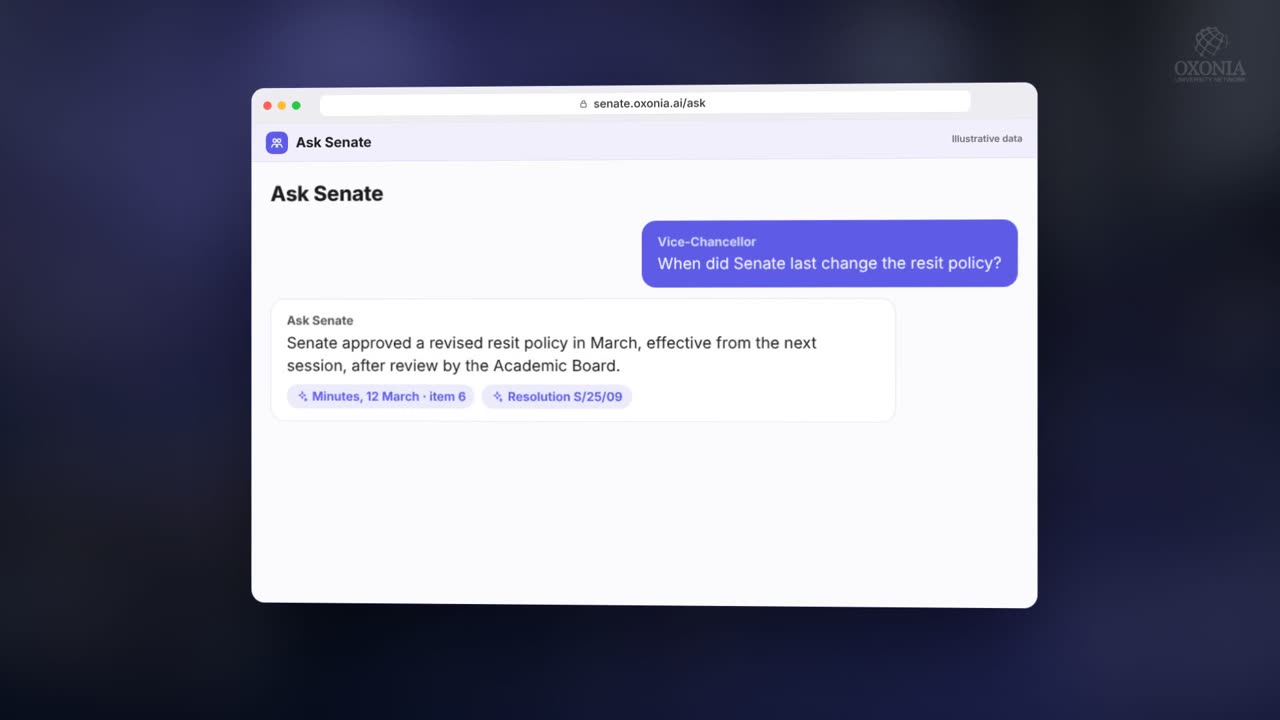 1:54Conference film · Chapter 4Lead: Senate, Compass, Office, Policy, Library
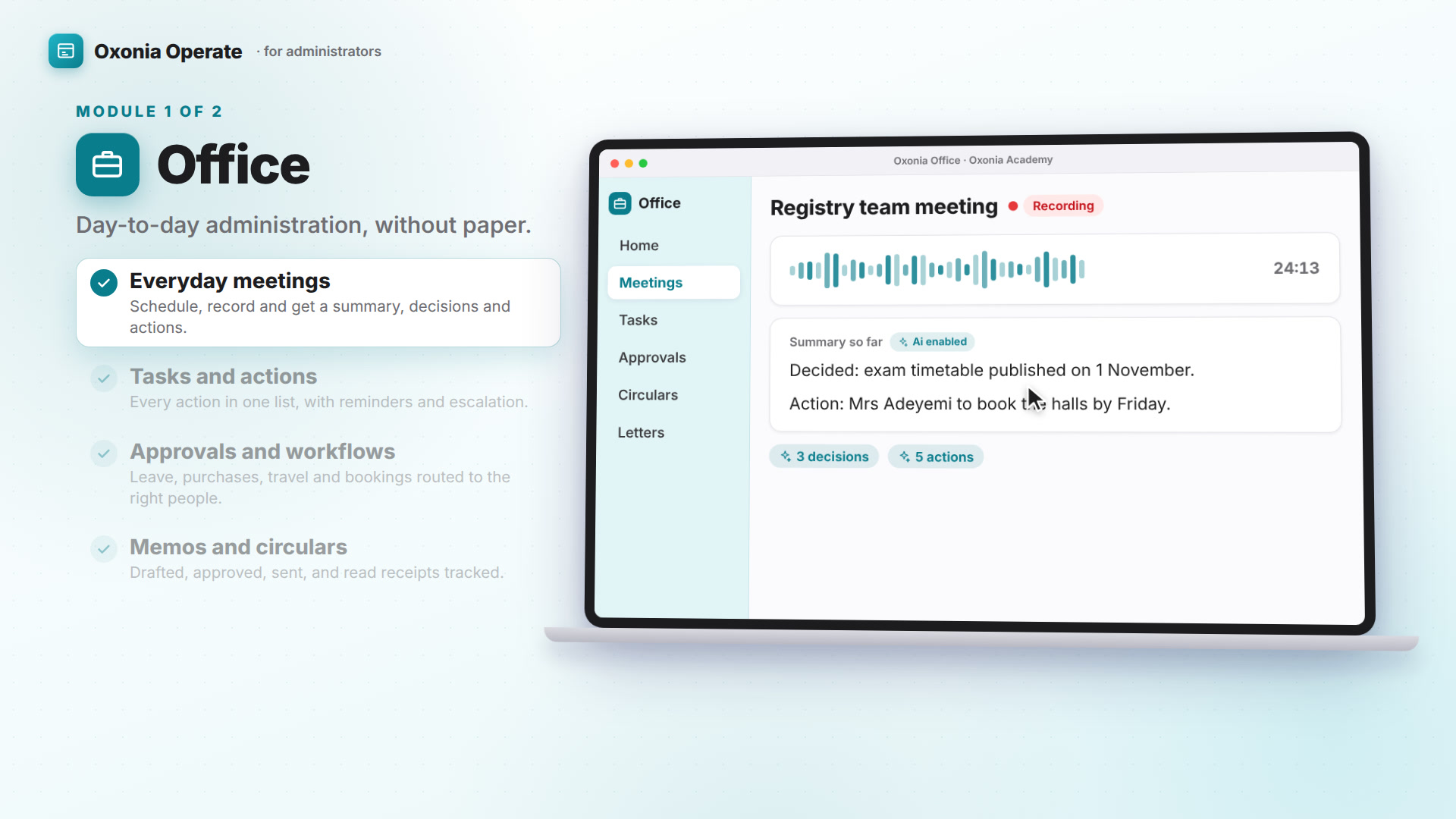 1:38Suite filmOxonia Operate in 100 seconds
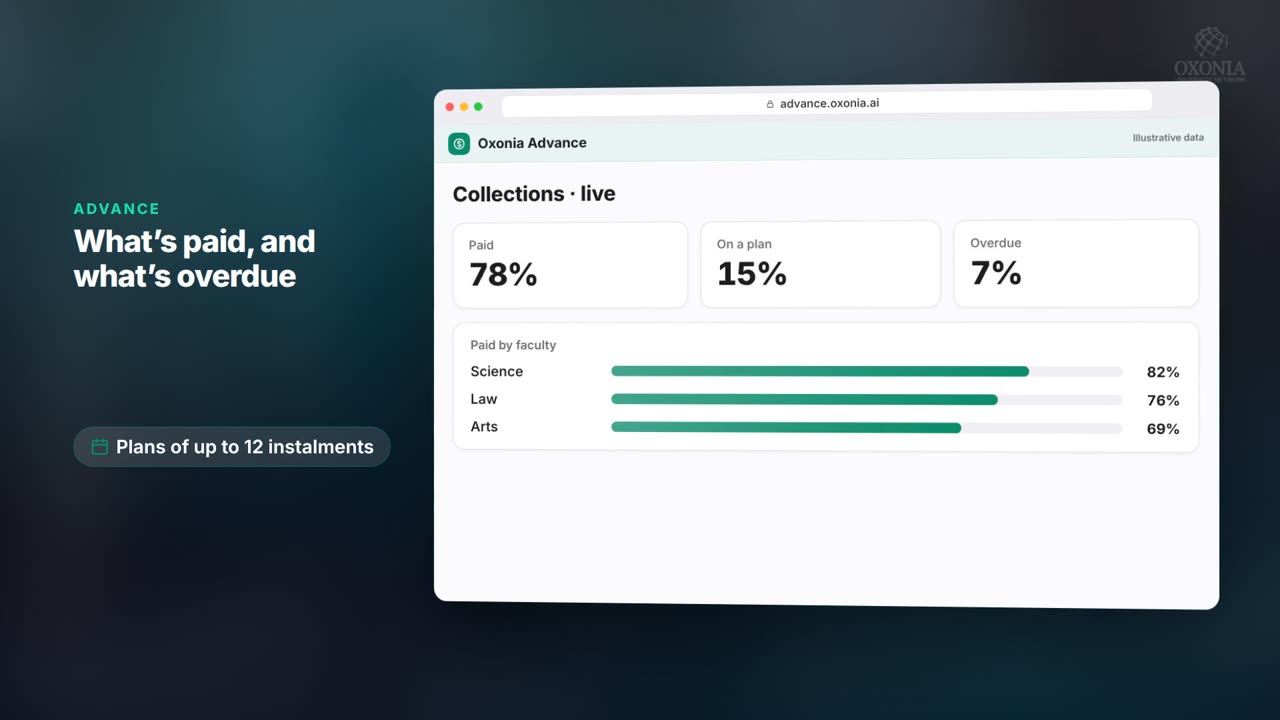 1:11Conference film · Chapter 5Operate: records, Advance and Wallet
Keep reading
Related articles
Oxonia Lead →
For the Vice-Chancellor, Deputy VCs, Deans and Directors: a strategic plan built with the whole university and checked against the budget, policy and governance, a budget the Ai helps allocate, and benchmarking against peer universities.