Suite guide
Oxonia Learn: One Student App for Study, Results and Fees
Students should not need six logins to get through a term. Oxonia Learn puts study, results and fees behind one Oxonia Academy ID.
Who Oxonia Learn is for
Oxonia Learn is the suite for students, guardians and sponsors. It is what they see when they open the Oxonia app. Behind it sit the products that staff use in Oxonia Teach and Oxonia Operate.
Today, a typical student uses one site for lectures, another for coursework, a third for results and a fourth for fees. Each has its own password. Guardians and sponsors often have no access at all and must call the university.
Oxonia Learn gives each person one login and one app launcher. What they see depends on their role and on what the university buys.
This is not only about convenience. Every extra login is a chance for a student to give up, miss a deadline or lose track of where they stand. One app makes it easier for students to stay on top of their studies and their fees, and easier for staff to support them when they fall behind.
Study tools from Scribe
Students get the study side of Scribe. During lectures they can follow live captions and switch them into their own language. Afterwards they get summaries, key moments, mind maps, quizzes with spaced repetition, study packs and audio recaps.
These tools help students who missed a class, who study in a second language or who simply want to revise properly. Every Ai enabled summary cites the lecture moments it came from, so students can check the source.
Quizzes come back at the right time to help memory, so revision starts weeks before the exam rather than the night before. Study packs gather the material from several lectures into one place. Audio recaps let students review on the bus or the walk home.
Tutorials with Tutor
Through Tutor
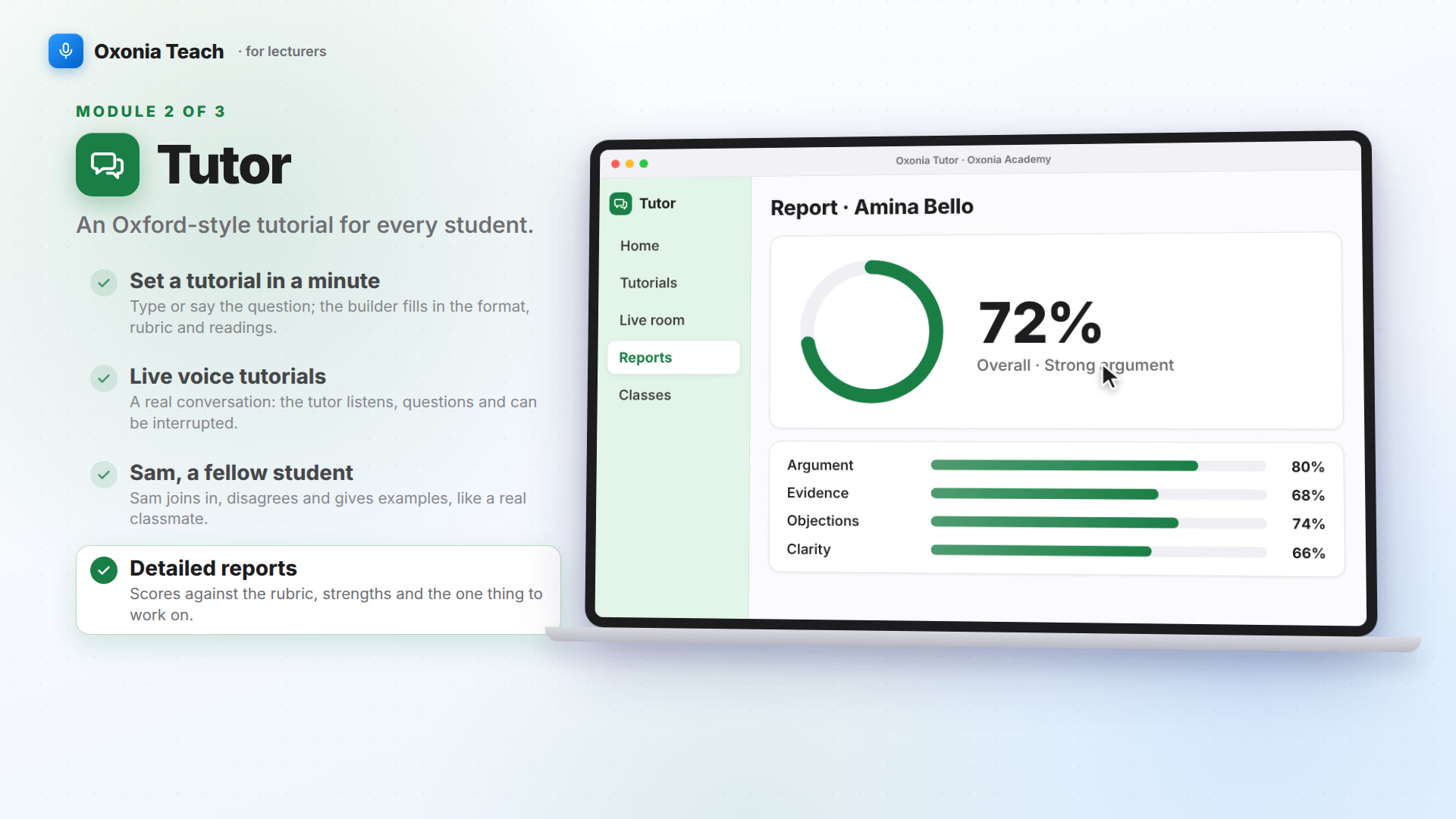
students take Oxford-style tutorials in writing or by live voice. They can rehearse a viva, join a debate or argue a moot. Sam, an Ai enabled fellow student, joins in and sometimes cuts in.
After each session, students get a detailed report on what they argued well and where to improve. It is regular practice in thinking aloud, which few timetables can offer.
Tutor is especially useful for students who are quiet in class or who study in a second language. They can practise alone first, at any time, and then join seminars with more confidence.
AI Hub and clear rules
AI Hub gives students AI literacy lessons and answers questions about the university's AI policy, with a citation to the clause. When they submit assessed work, they complete an AI-use declaration.
This keeps the rules close to the work. A student unsure whether they may use a tool can check in seconds rather than guess.
Students see the same rules wherever they work. The setting chosen by the lecturer for each assessment is shown before they start, and the declaration is filed with the submission.
Staff can also take AI literacy training and earn checkable certificates through Policy, so lecturers and students learn the same rules. AI Hub answers change as soon as Senate approves a new version of the policy, so nobody works from an old copy.
Results, fees and the library
Released results from Mark appear in the app. Students see per-question feedback and their marked script. If they disagree, they can request a re-mark from the same screen.
Wallet shows the fees balance, payment plans, receipts and scholarship and hardship applications. Students, guardians and sponsors can pay by card, Paystack or transfer.
Library gives students the university's theses, past papers, journals and reading lists, with a cited research librarian to help them find what they need.
Results and fees in one place also helps students plan. A student who needs to resit a module can see the result, the feedback and the fee for the resit together, and can agree a payment plan without visiting the bursary.
| Area | From product | What it offers |
|---|---|---|
| Study tools | Scribe | Captions, summaries, quizzes, study packs |
| Tutorials | Tutor | Tutorials, vivas, debates, moots, reports |
| AI rules | AI Hub | Lessons, policy answers, declarations |
| Results | Mark | Feedback, marked script, re-mark requests |
| Fees | Wallet | Balance, plans, payments, receipts, hardship |
| Library | Library | Theses, past papers, reading lists |
Guardians and sponsors
Guardians and sponsors get their own Oxonia Academy ID. A guardian can see the fees balance for a linked student and pay it. A sponsor can see each student it funds, pay by card, or record a transfer for the bursary to confirm.
What guardians and sponsors can see is set by the university. Fees and receipts are the usual starting point.
This saves time on both sides. Guardians no longer need to call the bursary to ask a balance. Sponsors can check that their students are enrolled and paid up before releasing funds. Bursary staff deal with fewer routine questions and more of the cases that need real help.
Languages, access and price
The interface is available in English, French, Portuguese and Arabic. Live captions in Scribe can be switched into a student's own language. Read more in teaching in students' own languages.
Oxonia Learn is usually bought with Oxonia Teach. The Teach & Learn package costs £88,000 a year for a university with 5,000 to 15,000 students. AI Hub comes with Policy, and Wallet comes with Advance. See our package guide or pricing.
Most universities start Oxonia Learn in one department, often using Scribe and Tutor in a large first-year module. Wallet and results usually follow at the start of the next academic year, when fees and exams begin again.
Universities that want every suite can choose Oxonia Complete, which takes 30% off the full set of products. Three-year contracts take a further 10% off any package. A yearly plan costs the same as 10 months.
Products in this article
Questions people ask
What is Oxonia Learn?
Oxonia Learn is the student suite: Scribe study tools, Tutor tutorials, AI Hub, Mark results, Wallet fees and Library, all with one login.
Can guardians use Oxonia Learn?
Yes. Guardians and sponsors get their own Oxonia Academy ID and can see and pay fees for the students they support.
Can students see their marked exam scripts?
Yes. Students see released results with per-question feedback and their marked script, and can request a re-mark.
Leaflets


More videos
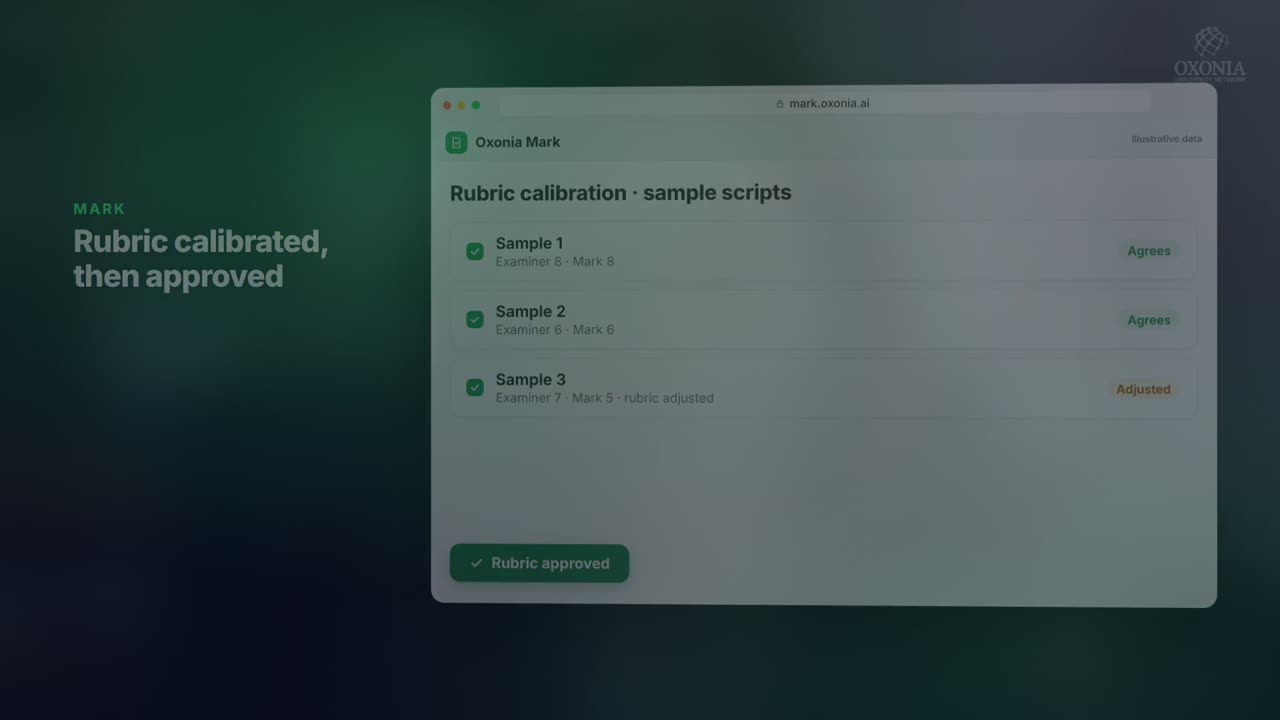 0:50Conference film · Chapter 7Learn: Mark
 1:39Suite filmOxonia Teach in 100 seconds
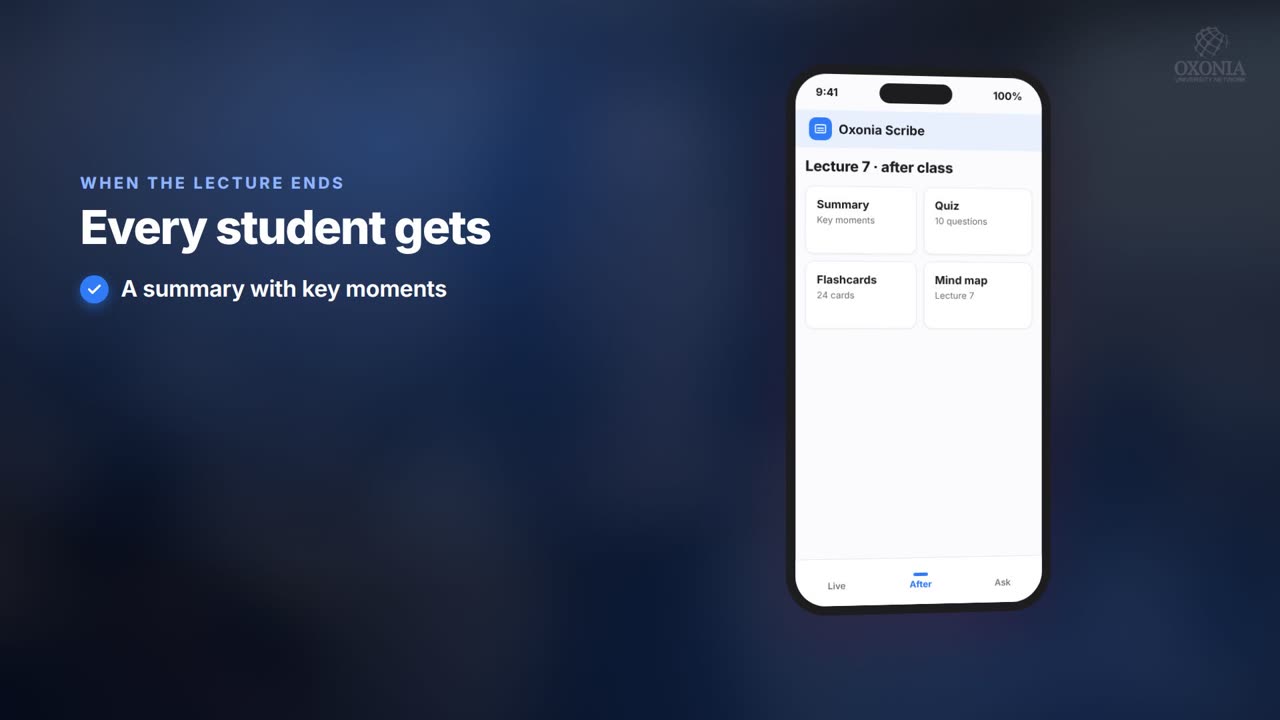 1:19Conference film · Chapter 6Teach: Scribe and Tutor
Keep reading
Related articles
Oxonia Learn →
For undergraduate, postgraduate, international and doctoral students: a personal Ai tutor at any hour, every lecture in your own language, self-assessment that finds your weak spots, exam preparation with past papers, and help with research and academic writing. Career and wellbeing support are coming next.